

Building an eCommerce: practical, non-technical guidelines
There is no denying the obvious: if you want your company to successfully sell a service or a physical product, reaching the largest number of potential customers, the best vehicle for doing so is a good website equipped with eCommerce.
But starting from scratch, with no knowledge of the subject and approaching the idea for the first time... how should you proceed? In this post we will look at the steps to follow to build an eCommerce and the practical issues to keep in mind. No technical notions will be provided, just a list of all the practical aspects you will have to deal with and some advice on how to do so.
Here is a handy checklist of what you will need to do:
- A corporate website that represents you (About us, What we do…)
- An eCommerce section within this website
- Buy a domain that identifies you as well as possible (e.g. www.mountainshoes.com)
- Choose and purchase hosting for your website
- Sign an agreement with a Payment Gateway
- In the case of physical goods: sign agreements with one or more Couriers
Let's look at each item of the checklist in detail:
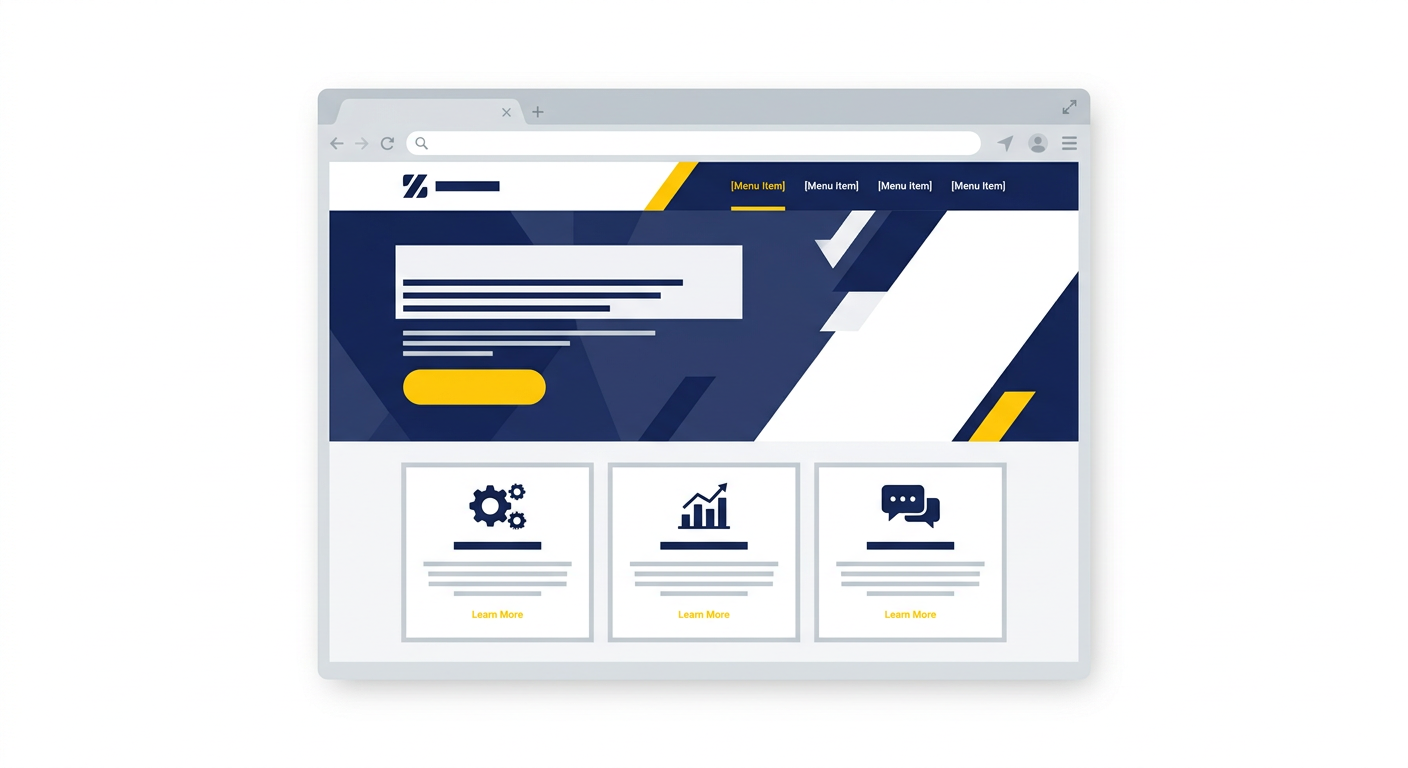
Create a website that describes who you are
You cannot limit yourself to the eCommerce section; you have to tell the user who you are, how your service works, how to contact you if needed... In short, you need a corporate showcase, more or less formal, that tells your story. I advise against the do-it-yourself approach to website development, unless you already have experience in this area, because giving your business a professional image is absolutely essential to earn the user's trust (remember that they will have to give you their credit card number, and trust is essential).
You must also consider that many of your future customers will browse your website from a smartphone or tablet, so your website will have to be perfectly responsive (Responsive = able to automatically adapt to the size of the device used for viewing), and doing this requires some experience in the field.
Logo
If you are at phase zero of your business, you probably do not have a Logo yet: this element should not be overlooked either. You need a name and a logo that make you immediately recognizable. For the Logo too, I strongly suggest turning to an expert: normally those who develop websites also take care of this aspect, or rely on consultants who can help you.
Content
The content of a website is of great importance: describe simply and thoroughly who you are and what you do. Good content helps Google suggest your website when a user is searching, and rewards you if you provide well-written, clear information. Use headings and bold text carefully too, because users often mainly read those.
Create an eCommerce section
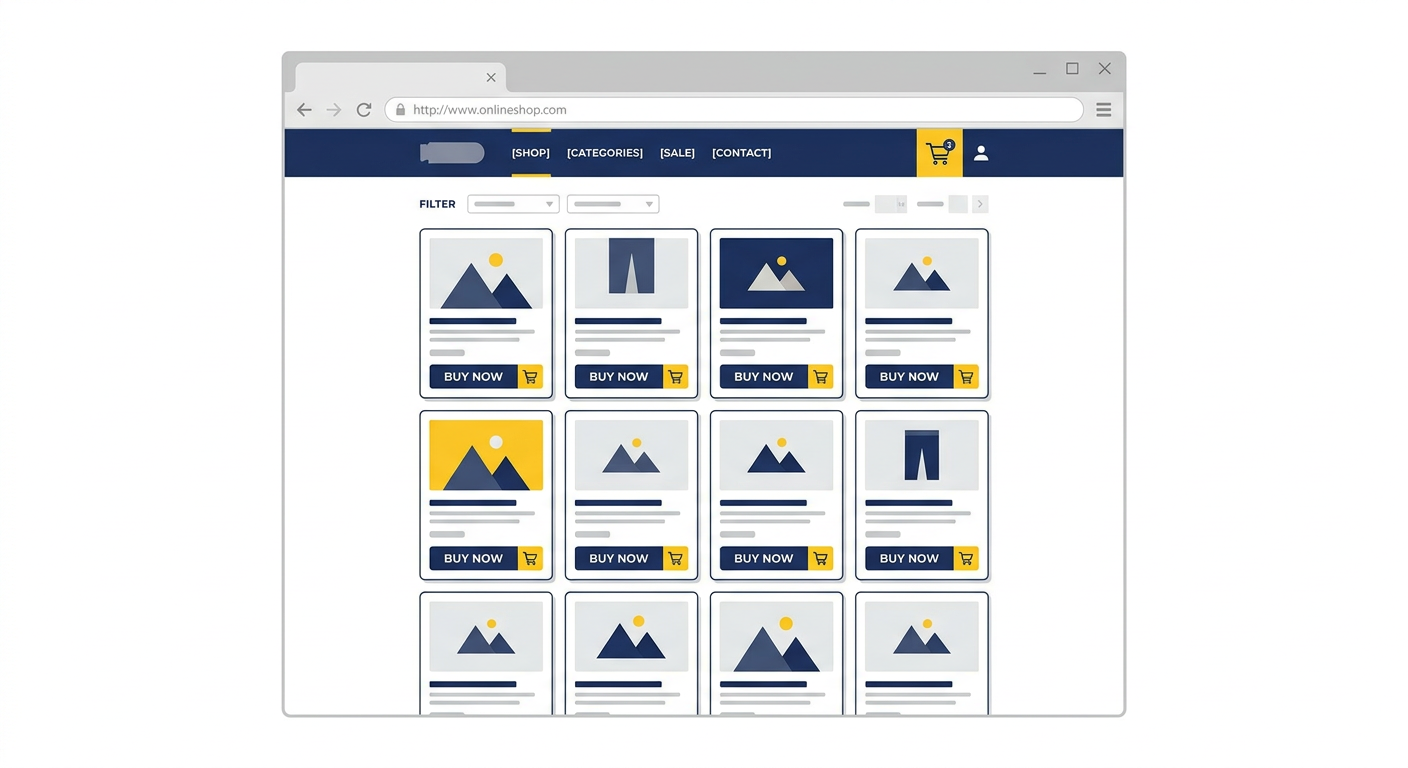
This is the heart of the project, what will allow you to sell your products.
This section will be your online catalogue: keep it always up to date, use professional images, highlight your offers… in short, look after it as if it were the window of your physical shop. Users will appreciate the professionalism you put into it. Divide products into clear categories, provide good descriptions and, in the case of physical goods, also dimensions, weight... everything that can help the user fully understand what they are buying.
Needless to say, the support of a professional will be essential especially for this section.
Buy a Domain
If you do not already have a company website, you will need to start from this step: choose a domain that identifies what you do, or choose to use your company name.
For example, we are Open Gate and we chose www.opengate.biz; you might sell mountain shoes and would like to have www.mountainshoes.com as your domain.
There are domain providers: they are cheap and very easy to use; one example above all: Kolst.
Obviously you will have to check that nobody has already bought the domain you want to use and, if it is free, you can easily purchase it with a credit card.
Host the Website
In practice you have to arrange for a space, a hosting service, that will host your website.
Online you will find a number of providers, but find out very carefully what kind of service they are offering you: it will also have to include support and a technician able to “put into production” the website once it is finished.
Ask for support from whoever is developing your website, both for choosing/providing hosting and for going live on the hosting you have chosen.
CMS
You need to choose the right hosting depending on the CMS chosen for development. What is a CMS? The acronym stands for Content Management System, i.e. a software tool used to develop your website that will allow you to maintain and manage content and products on your own. Being a piece of software, equipped with a Database, the hosting must necessarily be chosen according to its characteristics.
WordPress is an example of a CMS (very famous and widely used) and if your developers choose it, you will necessarily have to choose Linux hosting.
Sign an agreement with a Payment Gateway
When your customers purchase a product/service from you, they will have to pay you for it.
There are more "traditional" payment methods (e.g. bank transfer, postal payment slip…) which, however, are not loved by the online shopping public, because they involve delays and more operations to carry out: always remember that the typical eCommerce user chooses-pays-receives as quickly as possible.
So the preferred payment method is the credit card.
To allow users to pay you by credit card you will have to sign an agreement with a payment gateway, i.e. with a company that will enable you to accept credit card payments in exchange for a percentage on each transaction.
Just to name a few, you could sign up with Paypal, Braintree or Stripe.
Normally these services (not all of them) offer free transactions up to a certain number of thousands of Euros, to allow your business to start its life without additional expenses. Alternatively, Paypal allows you not to pay for the service provided that your users in turn use a Paypal account to pay you. It limits the pool of users, but if you want to start without additional expenses it could be a good way to go.
Once the gateway has been chosen, it must be implemented within the eCommerce, i.e. it will have to be “connected” to your eCommerce website.
This operation will be carried out by your developer: you will provide them with the credentials obtained by signing the agreement with the gateway and they will take care of the rest.
Sign agreements with one or more Couriers
Obviously, to be able to deliver your products throughout Italy/Europe/the World you will have to rely on a Courier: it will be enough to go to their website and send a request for a quote. Once the courier is known, you will apply in the eCommerce section the shipping costs agreed with them. Going back to the CMS example above, WordPress has an eCommerce plugin called WooCommerce. This system will allow you to set different shipping costs depending on the geographical area, free shipping above a certain amount... in short, you will be able to define the costs connected to an order in the best possible way, so as to recover shipping costs.
Do you have other questions or doubts?
Contact us and ask us whatever you want. Here you will find our contact form: if you wish, you can specify that you have read this post and point out what other information you would like to receive; we will be more than happy to provide it.