
Electronic Invoicing
As of 1 January 2019 it has become mandatory to send invoices to your Clients in electronic format, whether to the Public Administration (PA), to companies (B2B) or to Private individuals.
The introduction of this change has brought about a radical shift in the way an invoice is created and sent… with all the inconvenience that changes bring with them.
Before looking at how we at Open Gate have tackled the matter, let's briefly recap the terminology associated with electronic invoicing.
SDI: Sistema di Interscambio (Interchange System)
In short, it is the system, provided by the Italian Revenue Agency (Agenzia delle Entrate), in charge of receiving and sending electronic invoices.
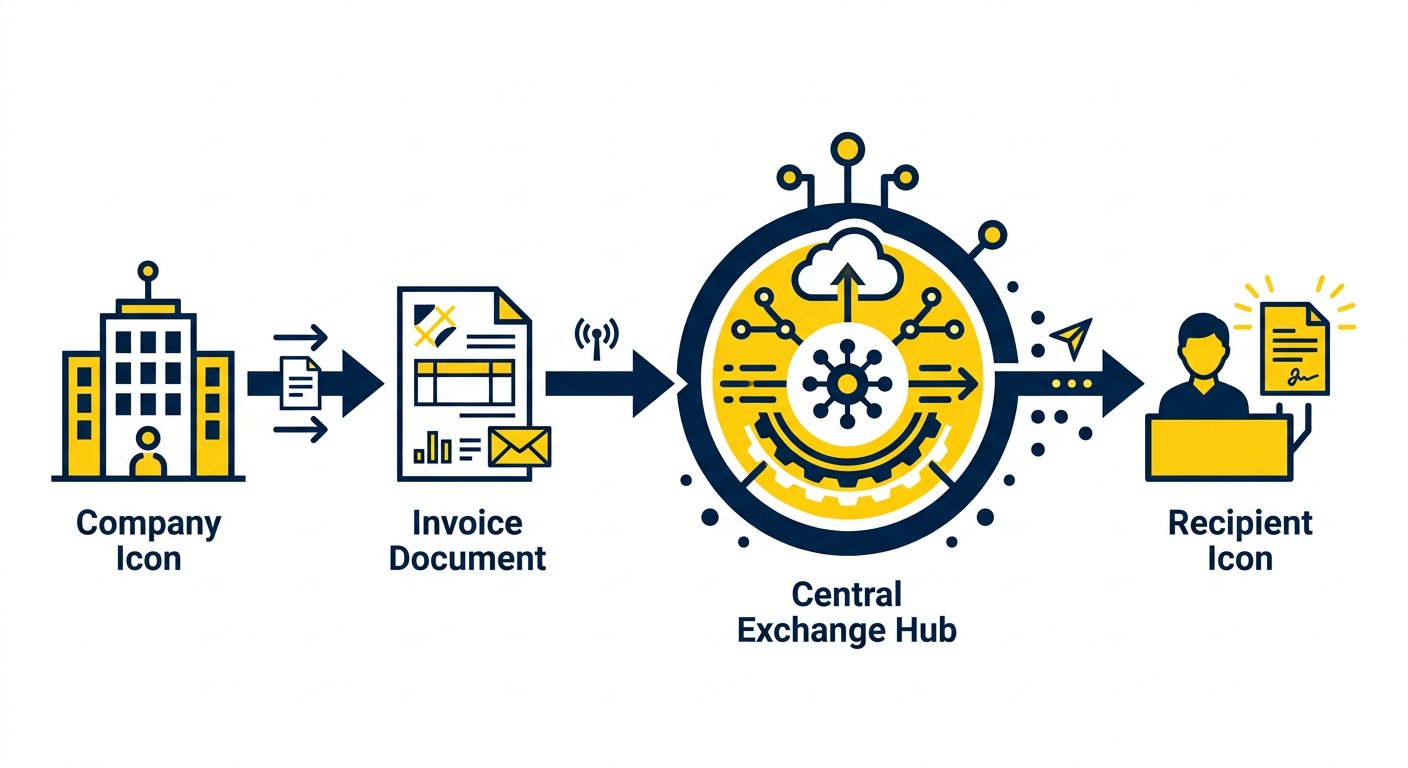
You, as a Company, will send the invoice to the SDI and the SDI will take care of delivering it to the right recipient.
But how does the SDI know who one of your invoices is addressed to?
It does so by using your Client's PEC (certified email) address, which you will have indicated on the invoice, or their recipient code provided by the SDI (a 7-character alphanumeric code).
It is therefore very important that you ask all your Clients to provide you with the PEC address at which they wish to receive invoices, or their SDI recipient code.
Likewise, it is a good idea to send all your suppliers an email indicating how you want to receive invoices (PEC or SDI code).
If, on the other hand, the invoice is addressed to a Private individual without a PEC address/recipient code, the SDI will use the Tax Code (Codice Fiscale) to determine who it is addressed to and will NOT send it. It will simply store it, making it available for consultation in a reserved area.
XML: Electronic Invoice Format
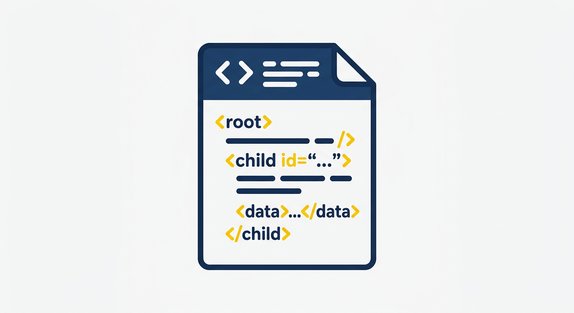
Until yesterday, invoices were normally sent in PDF format. You can still do so, but the PDF invoice will only be a copy of the electronic one, and does not replace the XML version sent to the SDI.
How do you create an XML invoice? It is not as trivial as exporting to PDF, and the structure of the information will also have to be aligned with the SDI's requirements, so you will need to equip yourself with dedicated software capable of generating invoices in XML format.
Let's recap the procedure
You need to issue an invoice to a Client: first of all you will have to contact them and obtain their PEC address or their SDI recipient code.
Then you will have to create the invoice by exporting it in XML format, send it to the SDI indicating your Client's PEC address or recipient code and, as good practice, send the Client a PDF copy to facilitate payment.
What have we at Open Gate done?
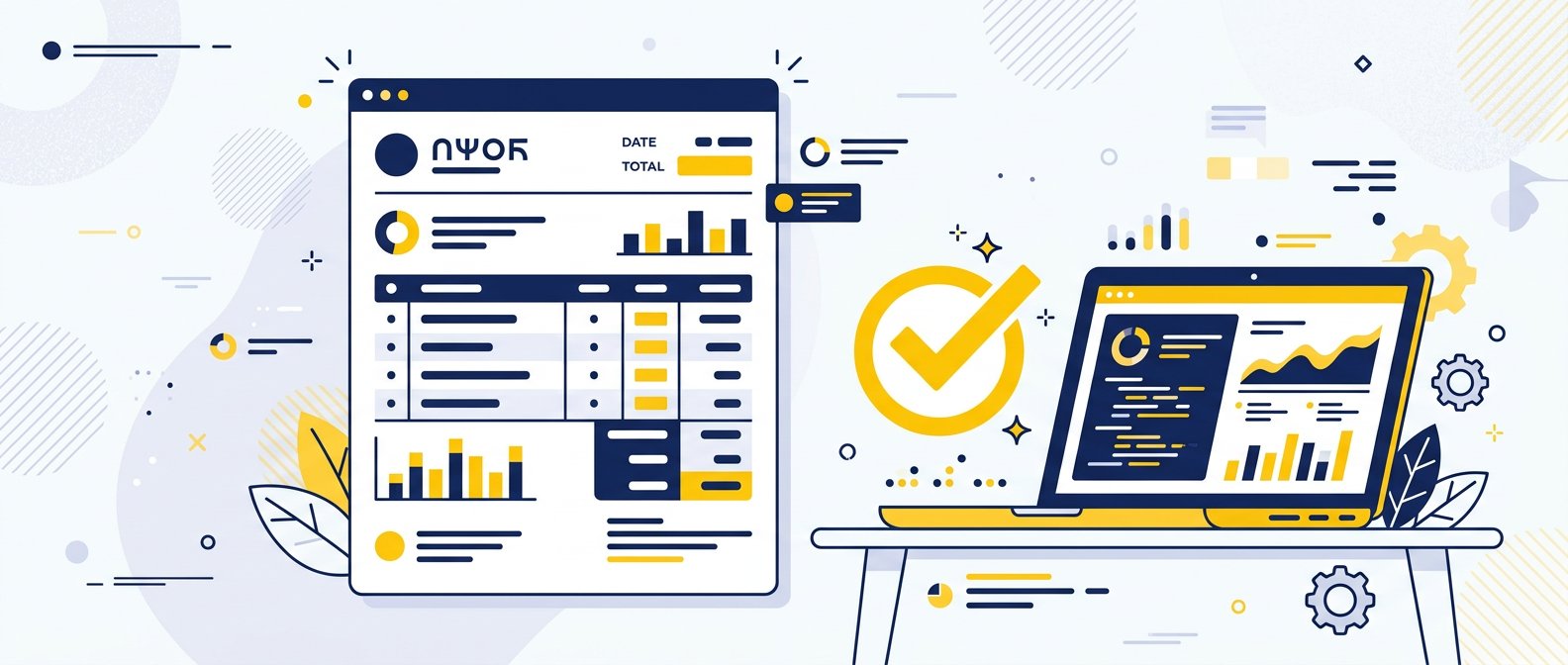
Open Gate offers two solutions that allow you to meet the legal obligation, directly using the management software we developed, in a more or less automated way:
- Generation of the XML file only, for sending the electronic invoice - by choosing this option you can download each of your invoices in the correct format for submission and use a provider of your choice to send it to the Revenue Agency's Interchange System (SDI)
- Fully automated process - our management software is designed to generate the XML files and send them automatically to the SDI, as well as to receive supplier invoices directly from the SDI, saving them in the system
If you would like information about our offer, you can contact us at info@opengate.biz.
Not just electronic invoicing
Contact us with no obligation: we can offer you our management software dedicated to small and medium-sized businesses, equipped with all the features tailored to your company and, of course, with a module for sending and receiving electronic invoices.